
Every construction project is unique, so you may need to add custom information to your records. For example, internal tags, or client reference numbers. Custom Fields add a new field to every Issue.
There are two types:
Project Wide Fields - Visible and used by everyone on the project.
Organisation Fields - Visible and used by only your organisation.
How to create custom fields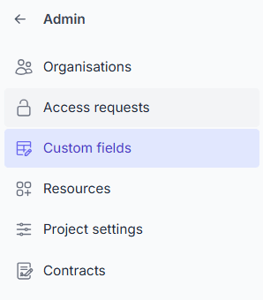
-
Go to Admin > Custom Fields
-
Press + New Field
-
Enter the Name and select Visibility.
-
Press Save
Note: There is a limit of 5 project wide and 5 organisation custom fields.